The basics
Aim, drop, smoosh
Monster Smoosh is a Suika-style merge game. Slide the dropper left and right along the top of the jar, drop a monster, and watch it fall. When two monsters of the same tier touch, they merge into the next creature up the ladder.
Bigger merges score more, and chaining them racks up combos. The jar slowly fills — if monsters pile up over the top line for too long, it's game over. There's an online top-10 leaderboard, so play for the high score.
The ladder
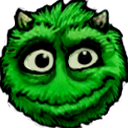
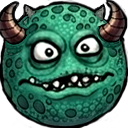
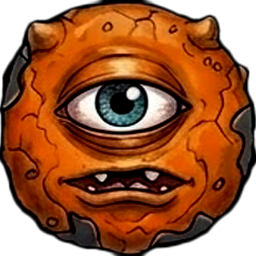
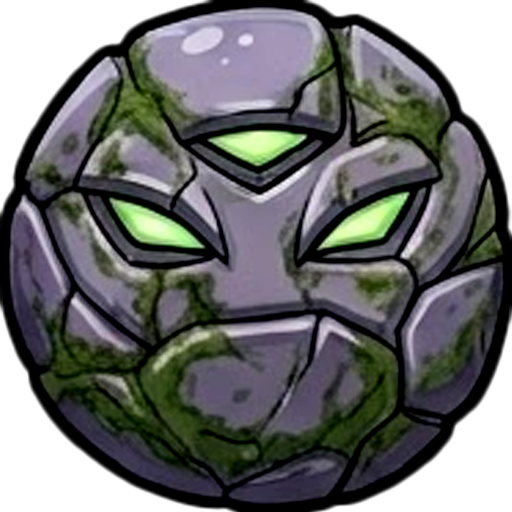
The eleven monsters
Climb from a humble Fuzzball to the derpy elder god at the top. Each tier only merges with its own kind.



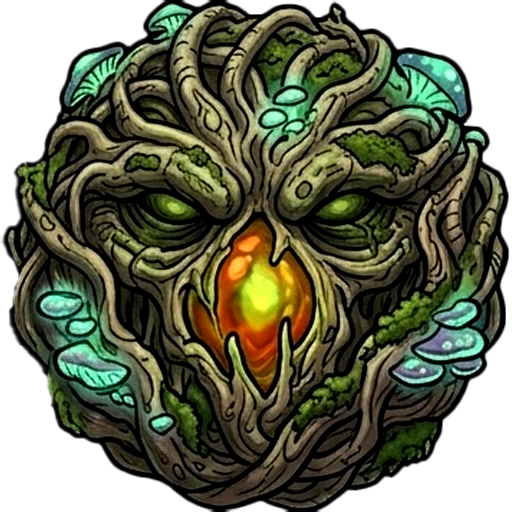
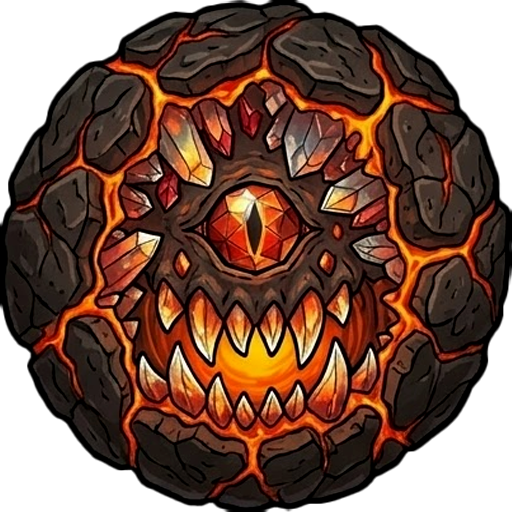
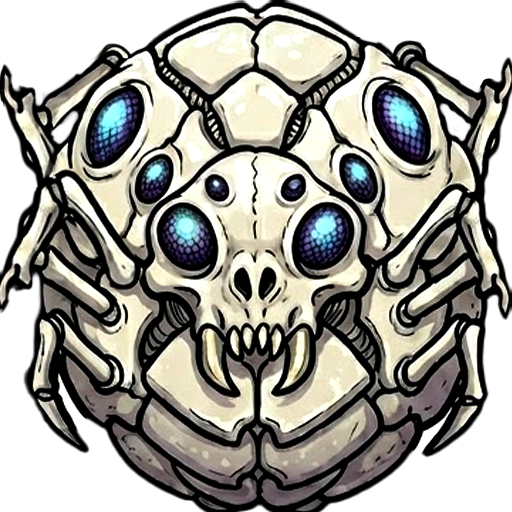

Surprises
Cows, the alien & specials
Every so often a UFO drifts in and an alien starts ranching a secret herd of cows that climb their own ladder. As you score, a special charges up: ring the cowbell to harvest the whole herd through portals for a big payday, or fire a magnet to pull the field together.
You hold all three specials at once — magnet, bell, and bomb — on a roller wheel. Change the selected one with Q/E, the bumpers, the mouse wheel, or by dragging the wheel; then use it by tapping the wheel or pressing W / ↑ / X. (The bell only appears once you've got a herd to harvest.)
Controls
Every control
Play with whatever you've got — Monster Smoosh supports keyboard, mouse, touch, and controller.
Keyboard
| A / ← | Aim left |
|---|---|
| D / → | Aim right |
| S / ↓ / Space | Drop the monster |
| W / ↑ | Use the selected special |
| Q / E | Change the selected special |
| O | Open / close Settings |
| F11 | Toggle fullscreen (Windows / Linux / web) |
| ⌃⌘F | Toggle fullscreen (macOS) |
| Enter | Start game · Play Again |
| M | Main Menu (game over) |
Esc only closes Settings — it never opens them, because on the web Esc is the browser's exit-fullscreen key. Use O to open Settings anywhere.
Mouse & touch
| Move pointer / drag | Aim the dropper |
|---|---|
| Click / tap | Drop the monster |
| Hold bottom-right corner | Open the secret menu |
Touch and mouse work everywhere the game does, including the web build on phones and tablets.
Controller
Full controller support. Buttons use the Xbox layout (on PlayStation: A = ✕, B = ○, X = □).
| Left stick / D-pad | Aim left and right |
|---|---|
| A | Drop · confirm in menus |
| X | Use special |
| B | Back in menus · hold to open the secret menu |
| Start | Open / close Settings |
| LB / RB | Change the selected special |
The mouse cursor follows whoever's playing: press a controller button and it hides; move the mouse and it returns. On Steam Deck or Big Picture, typing your name uses Steam's gamepad keyboard.
Options
Settings, fullscreen & language
Open Settings with O (keyboard) or Start (controller) on any screen. Inside you'll find Music and SFX volume, a Fullscreen toggle that works on every OS, and a language picker — Monster Smoosh ships in English, French, German, Spanish, and Italian.
There's also a hidden secret menu with a few toggles (including one to turn off the lightning effect). Reach it with a one-second long-press: hold Esc, hold B on a controller, or press and hold the bottom-right corner of the screen.
Support
Need a hand?
Questions, bug reports, or just want to tell us which monster is your favorite? Email support@gonzobeans.com and we'll get back to you. We're a tiny studio, so a real human reads every message.